- Dec 09 Sat 2017 20:06
-
Graphical User Interfaces with Tk

- Dec 04 Mon 2017 10:34
-
小小世界
It's a world of laughter, a world of tears; 這是一個笑聲世界,一個淚水世界
It's a world of hopes and a world of fears. 這是一個希望和恐懼的世界
There's so much that we share 我們分享的東西太多了
That it's time we were aware.
It's a world of hopes and a world of fears. 這是一個希望和恐懼的世界
There's so much that we share 我們分享的東西太多了
That it's time we were aware.
- Nov 28 Tue 2017 13:05
-
Face Swap Using Emgu CV

- Nov 15 Wed 2017 12:11
-
安裝AForge.NET

http://www.aforgenet.com/framework/downloads.html C:\Program Files (x86)\AForge.NET\Framework
- Nov 14 Tue 2017 11:37
-
Installing OpenCV3.3.0 in Python 3.6.3::Anaconda3

- Nov 06 Mon 2017 11:28
-
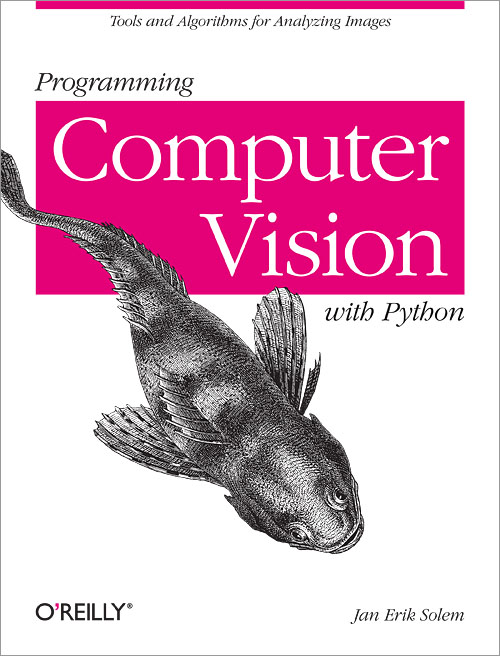
電腦視覺使用Python語言
- Nov 06 Mon 2017 10:54
-
安裝Anaconda3-5.0.1-Windows-x86_64

- Nov 06 Mon 2017 10:37
-
安裝VirtualBox 5.2.0

- Nov 03 Fri 2017 10:15
-
安裝HDF5

- Nov 03 Fri 2017 10:09
-
安裝tesseract-ocr

- Oct 23 Mon 2017 11:25
-
樹梅派3藍芽設定(Bluetooth Settings for Raspberry PI 3)

- Oct 19 Thu 2017 09:44
-
Code::Blocks 16.01 Installation

